
Why "connect wallet" sometimes does nothing
You press "connect wallet", nothing happens, and you're left wondering whether the site is broken. In a typical case the site is fine and the wallet simply isn't reachable from where you are. Say you use a mobile wallet and open the game in Safari: Safari has no wallet built in, so the site has nothing to talk to. Or you have two browser extensions installed and both try to answer the same request, so the wrong one opens.
Websites reach wallets through a standard interface. EIP-1193 (2018) defines the JavaScript provider that browser wallets inject into the page, and that's how MetaMask and similar extensions answer a connection request. DefiPlay's games run on Polygon, so any wallet that offers that provider and supports Polygon signs bets the same way MetaMask does. Once you know which route your wallet uses, the connect wallet step takes seconds.
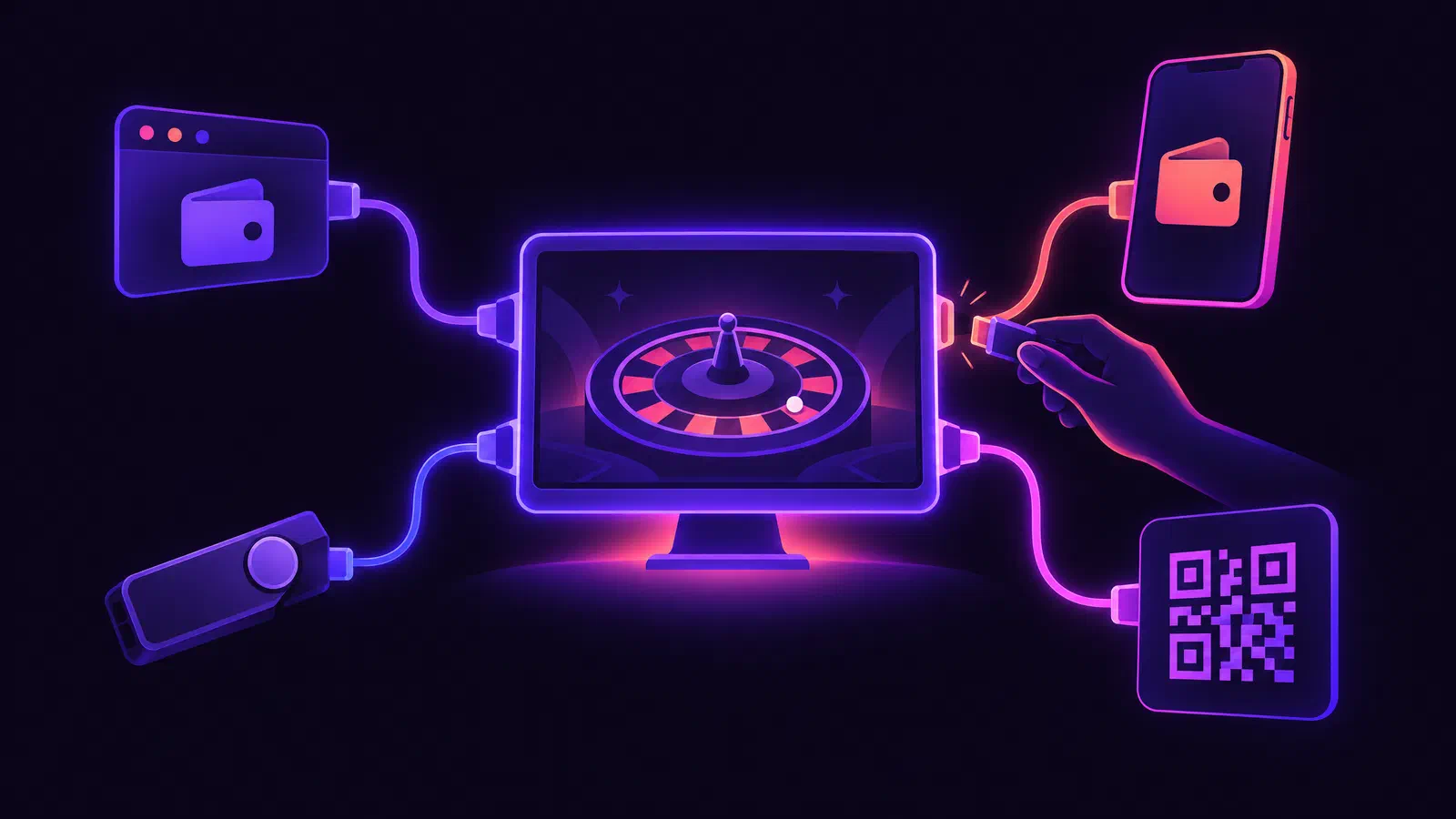
Four ways to connect a wallet, and when each fits
| Route | Best for | What you do |
|---|---|---|
| Browser extension | Desktop play | Install the extension, unlock it, press connect |
| Built-in dApp browser | Phone-only play | Open the game inside the wallet app's own browser |
| WalletConnect QR code | Desktop screen, phone wallet | Scan the code with the wallet app and approve |
| Hardware wallet via a software wallet | Larger balances | Pair the device with a wallet such as MetaMask, confirm each bet on the device |
We'd pick the route by where your keys live. If they're on your phone, the dApp browser is the most reliable because there's no second device in the loop. A hardware wallet is the most secure, but you'll press a button on every spin (fine for roulette, slow for slots).
How to connect a wallet step by step
- Check Polygon support. Open the wallet's network list and look for Polygon PoS, chain ID 137, with POL as the gas token. If it's missing, add it using the values in our guide to add Polygon to MetaMask; the same values work in other EVM wallets.
- Choose your route from the table above.
- Approve the connection. Read the site address in the request first. Connecting only shares your public address.
- Accept the network switch when the game asks for Polygon.
- Place the smallest bet as a test before you play normally.
Keep your connections tidy
Every site you connect stays in your wallet's list until you remove it, and every token approval you sign stays active until you revoke it. A quick review once a month keeps the list short. Our self-custody wallet guide explains why a separate playing wallet limits the damage of a bad signature. New to wallets? Start with how to install MetaMask, then come back to the help center for the next step.
Frequently asked questions
What does it mean to connect a wallet to a website?
Connecting lets the site read your public address and ask your wallet to sign transactions. It doesn't give the site your keys or move funds; every transaction still needs your approval in the wallet.
Can I use a hardware wallet to play?
Yes, if you connect it through a software wallet that supports it, such as MetaMask. Each bet then needs a button press on the device, which is slower but keeps the keys offline.
How do I disconnect a wallet from a site?
Open your wallet's connected sites list and remove the site. Also review token approvals you granted, because disconnecting does not cancel an approval.